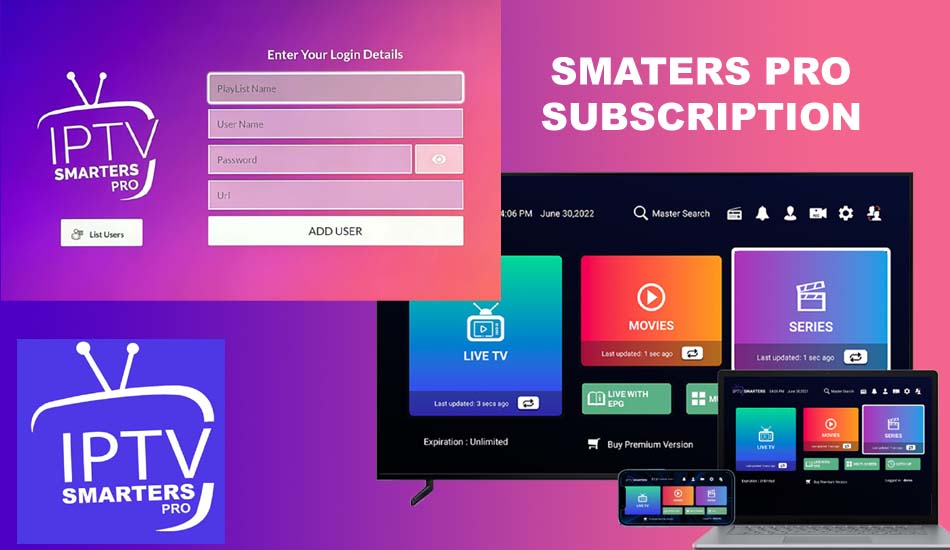
Elementor #2455

HOW TO USE IPTV ON ANY DEVICE - COMPLETE BEGINNER GUIDE 2026?


How to Use IPTV – Step by Step Guide

IPTV is one of the easiest ways to watch live TV and on-demand content using the internet. Many users get their IPTV subscription but don’t know how to start. In this guide, we explain how to use IPTV on any device in a simple and clear way, even if you are a beginner.

What You Need Before Using IPTV

Before you start using IPTV, you need only three things: A stable internet connection (at least 10 Mbps for HD) An IPTV subscription from your provider An IPTV player application on your device Once you have these, you can watch IPTV on Smart TV, Android phone, Firestick, PC, or tablet
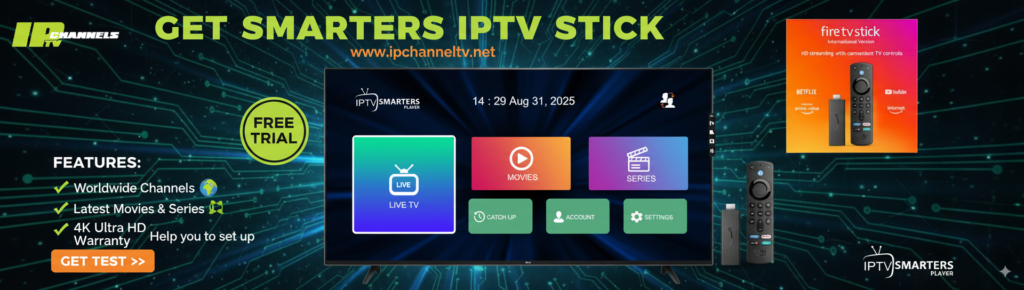
How to Use IPTV on Smart TV

H3 – Method 1: Using IPTV Smarters Open your TV app store Search for IPTV Smarters Pro Install the application Open it and choose “Login with Xtream Codes” Enter: Username Password Server URL Click “Add User” and start watching

H3 – Method 2: Using Smart IPTV (SIPTV)

  1. Install Smart IPTV app

  2. Open the app and copy the MAC address

  3. Upload your playlist from the provider panel

  4. Restart the app